Zoom Out
| |
|
Zoom Out |
Previous Next |
|
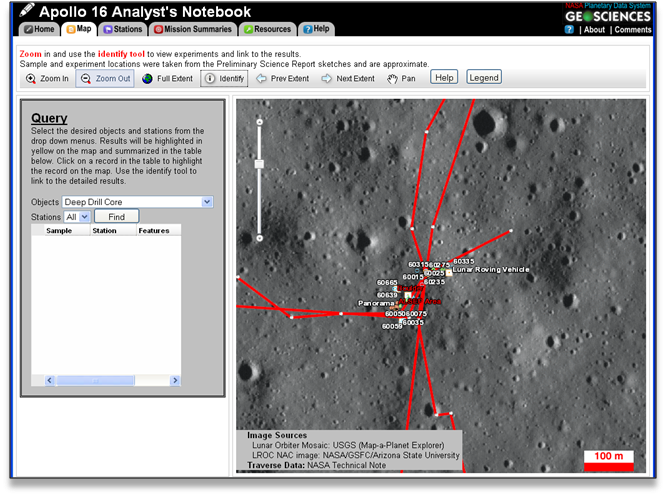
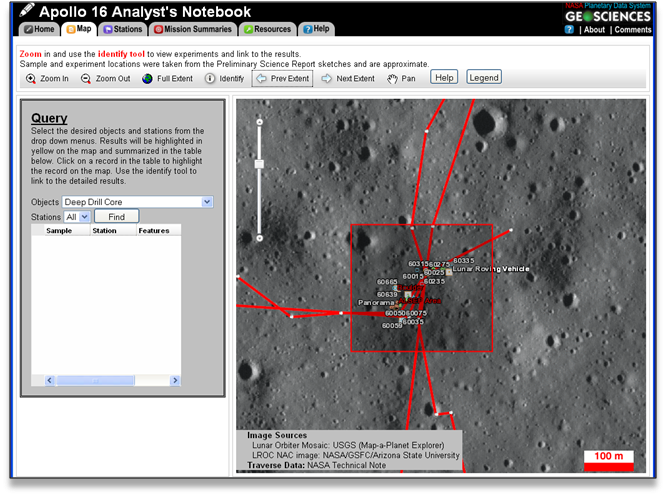
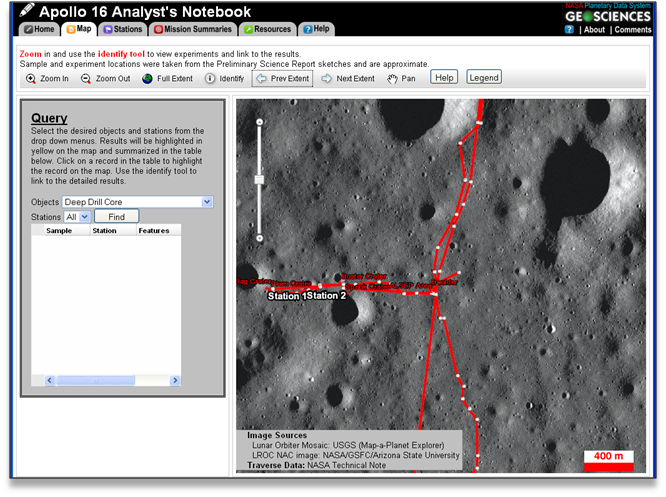
This tool changes the map extent to zoom out on selected regions of the map. To use this tool, click on the "Zoom Out" button in the map tool bar. Click on the map and drag the red selection rectangle over the area of interest. The map extent will change to zoom out on the selected region.
Example
Click on the "Zoom Out" button.
Click the left mouse button and drag the red selector rectangle over the center of the area you wish to zoom out on. A smaller rectangle will result in zooming out farther.
Release the mouse button to zoom out.
|