Features and Targets
| |
|
Features and Targets |
Previous Next |
|
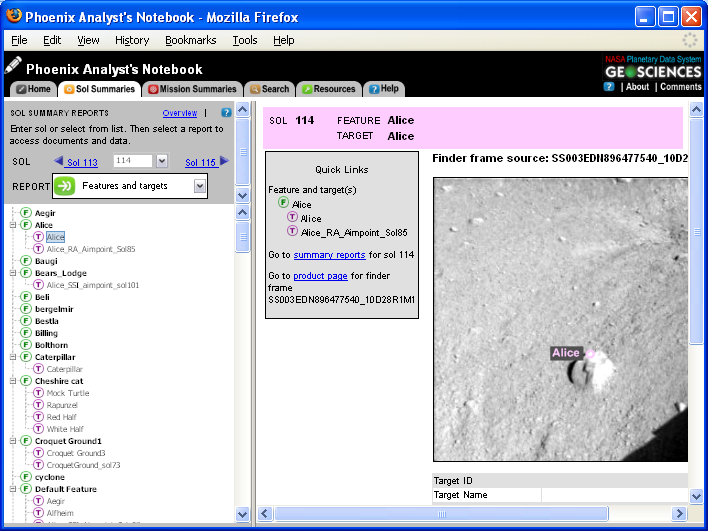
During the surface mission, the science team identified many targets and features of interest. Select "Features and Targets" to see a list of these points of interest. Click on a particular feature or target from the "Features and Targets" menu on the left side of the screen to view the details of the target and link to the finder frame.
Navigating to Features and Targets
The features and targets menu can be reached at any time by clicking on the "Sol Summaries" tab, selecting a sol, and selecting "Features and Targets" from the "Report" drop-down menu on the left side of the screen. |