Sol Document Search
| |
|
Sol Document Search |
Previous Next |
|
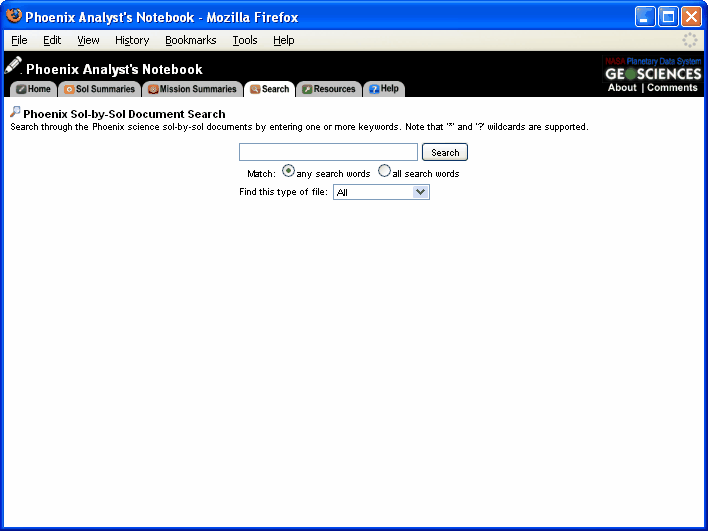
The Sol-by-Sol Document Search allows the user to search through the Mission Manager and Documentarian Reports by entering one or more keywords. To use the Sol-by-Sol Document search, enter one or more keywords. Specify whether you would like to match any or all of the search terms entered. Note that the search supports "*" and "?" wildcards. Search for specific file types by selecting Word, Excel, Powerpoint, or PDF format from the "Find this type of file" drop down menu .
Navigating to the Sol Document Search
You can reach the Sol Document Search at any time by clicking on the "Search" tab and then clicking on "Search the Sol Documents" |