Query
| |
|
Query |
Previous Next |
|
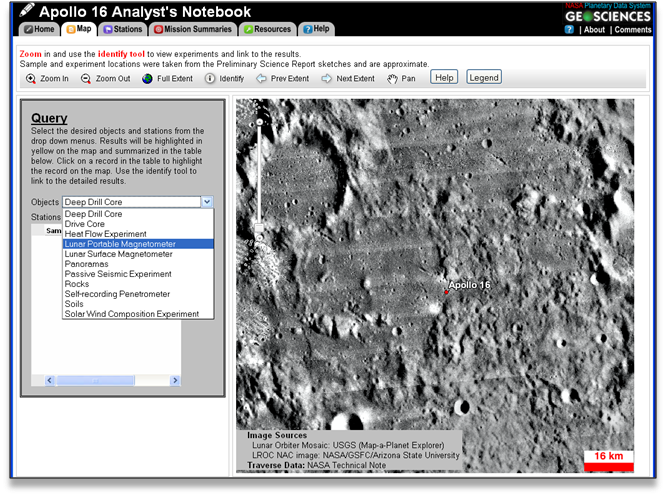
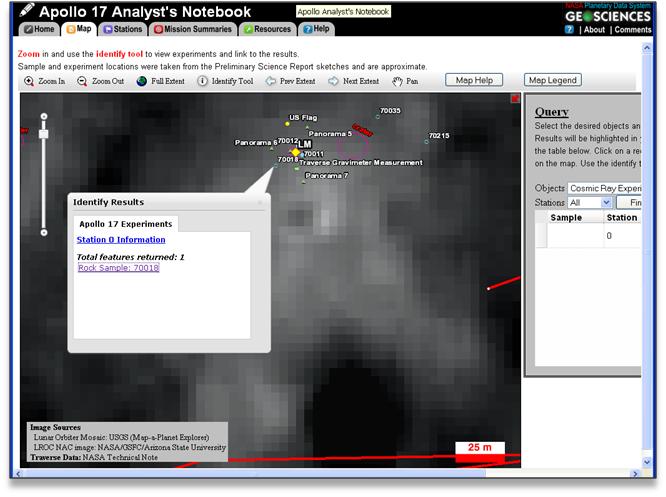
The Query tool searches and displays Apollo sample and experiment locations on the interactive traverse map. To perform a query, select the desired objects and stations from the drop down menus and click on the "find" button. Results will be highlighted in yellow and displayed in the query table. Clicking on a query result will highlight it in green on the map. For detailed sample or experiment information, use the identify tool to link to the results.
Example
Navigate to the map query tool by clicking on the "Map" tab. Begin the query by choosing a data product type from the Objects drop-down menu.
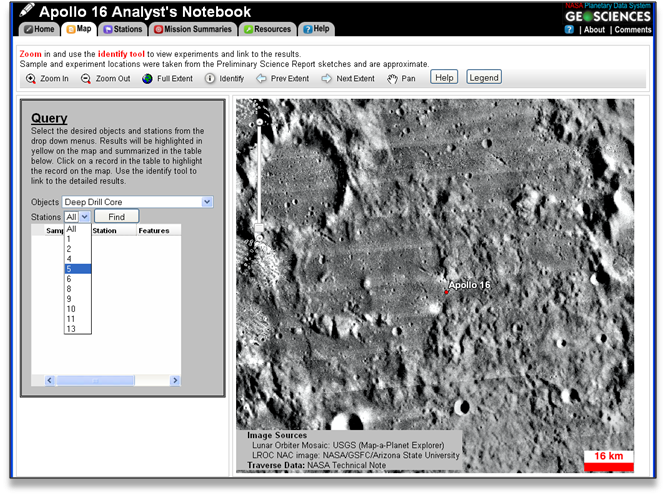
Choose a station from the Stations drop-down menu. There is the option to choose all stations.
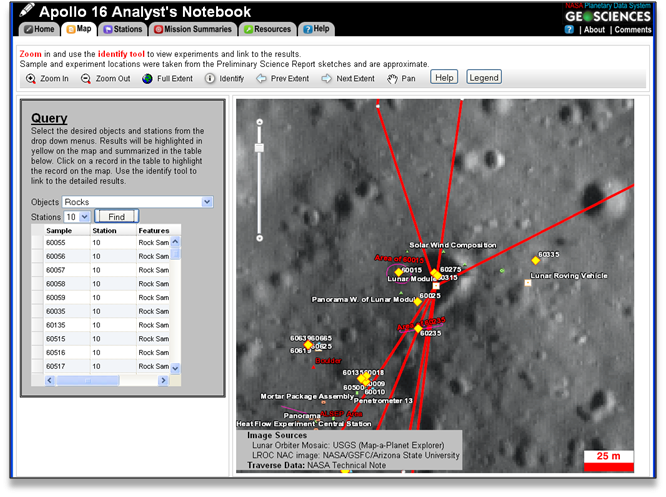
To perform the query click the "find" button. The map will automatically zoom in to the results and results will be highlighted as yellow diamonds.
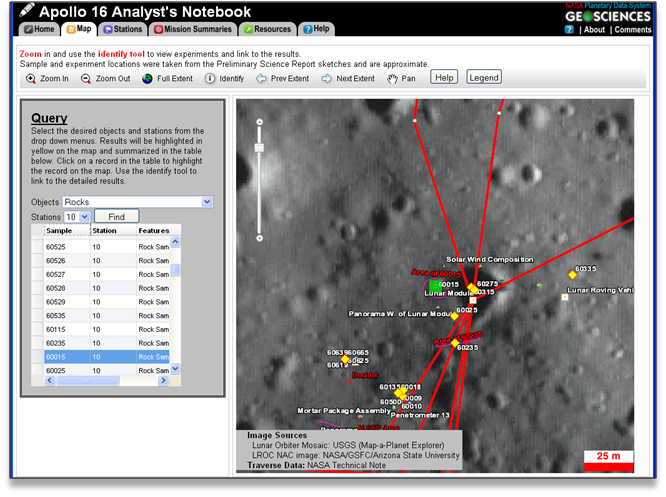
When you choose a data product from the list it will be highlighted by a green box.
To view more information about a selected product use the Identify tool.
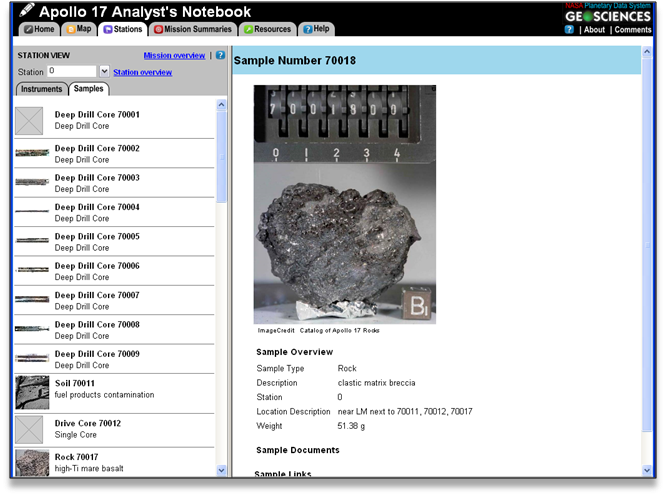
To view the data page for the chosen project, click on the link under the "Total features returned" heading.
|