Sol Summaries
| |
|
Sol Summaries |
Previous Next |
|
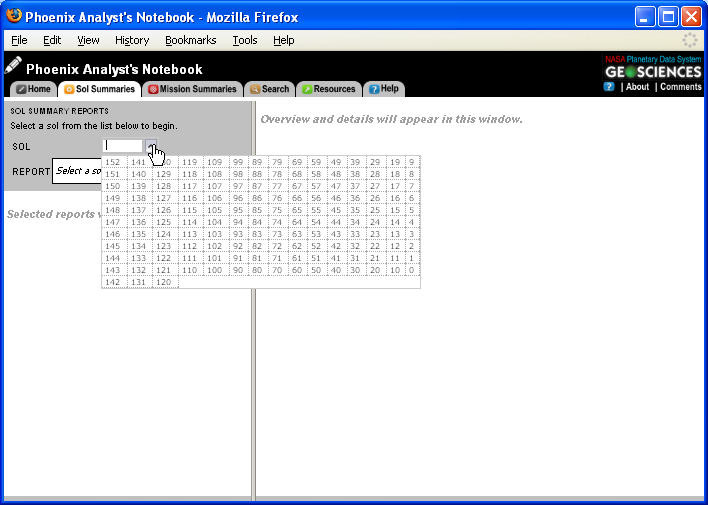
The Sol Summary reports provide a way to step through the mission with documentation, features and targets, and product overviews.
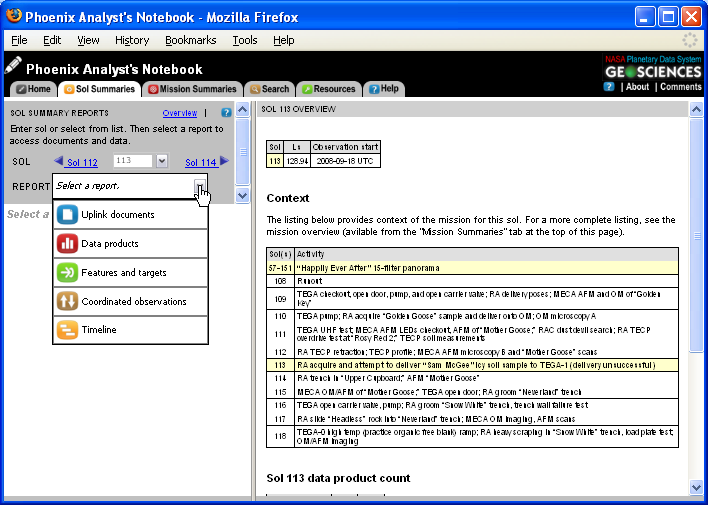
On the left side of the screen is a "directory" of sols. Enter a sol, or select from the list to view the details of that sol. For each sol, an overview of activities will appear on right side of the screen. Link to the related documents and products for each sol from the "report" drop down menu on the left side of the screen.
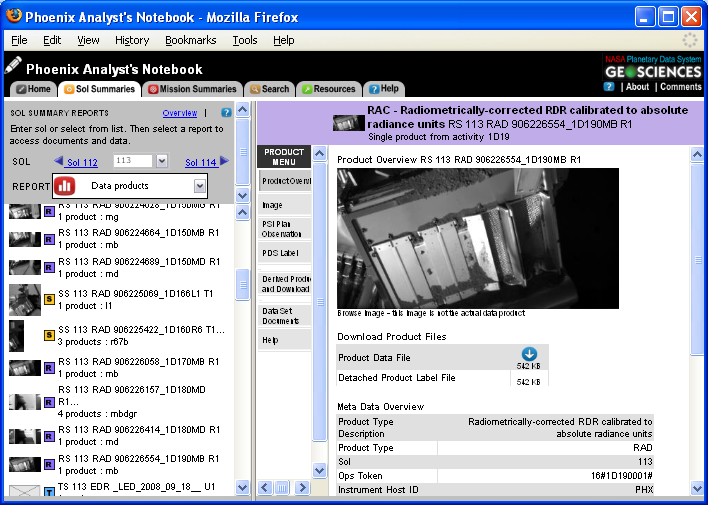
Select a document or product, and detailed information will appear on the right side of the screen. Return to the sol overview at any time by clicking on the "overview" link at the top of the sol summary report menu.
For more information about the Sol Summary Reports submenus see See also See also See also See also See also
Navigating to the Sol Summaries
"Sol Summaries" may be accessed from the AN Home Page by clicking on the "Sol Summaries" button or from any page of the Notebook by clicking on the "Sol Summaries" tab at the top of the page.
|